The future of legal practice management starts here Integrated with Office 365 and ChatGPT
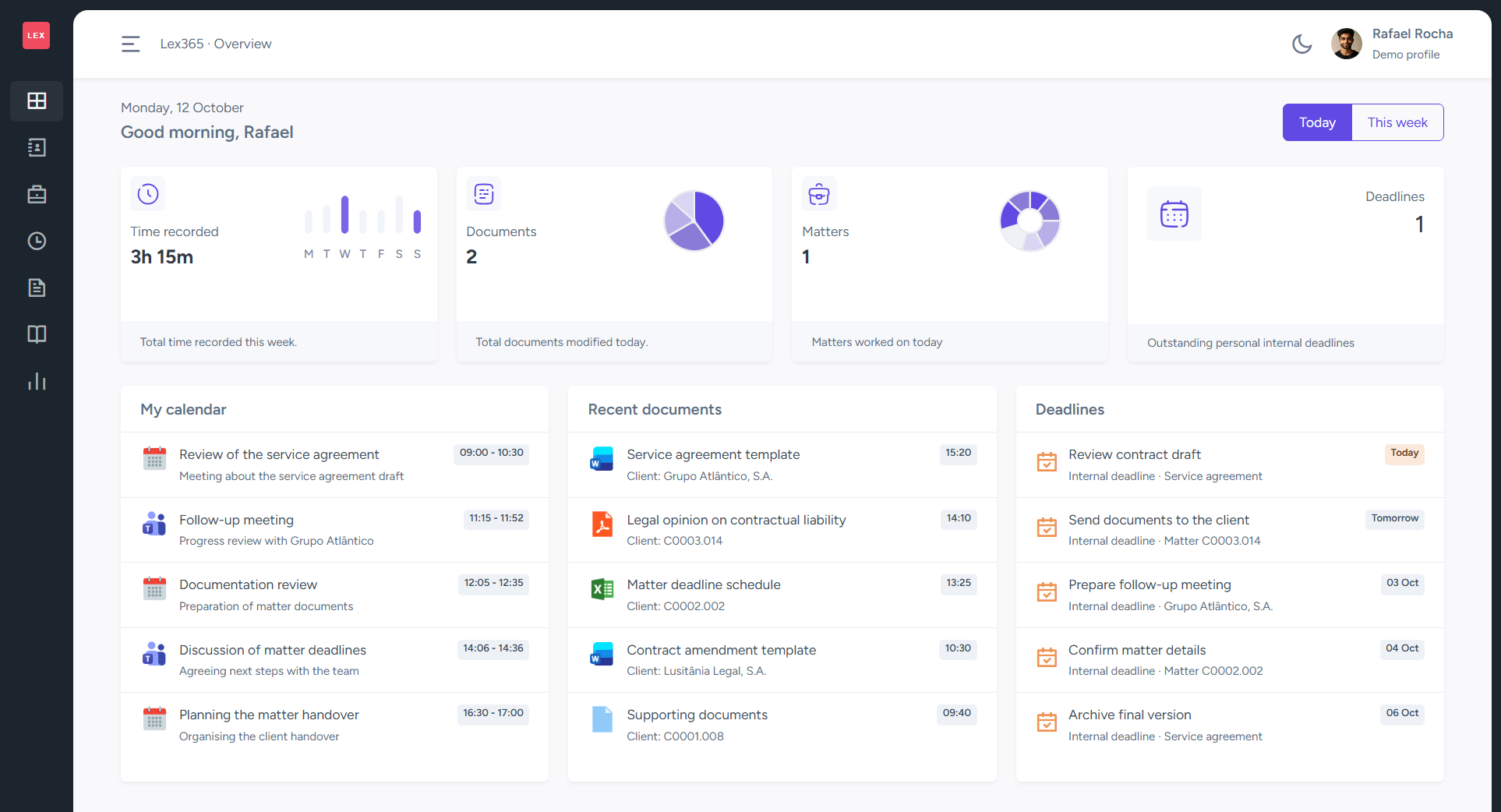
All the features you need
for your law firm
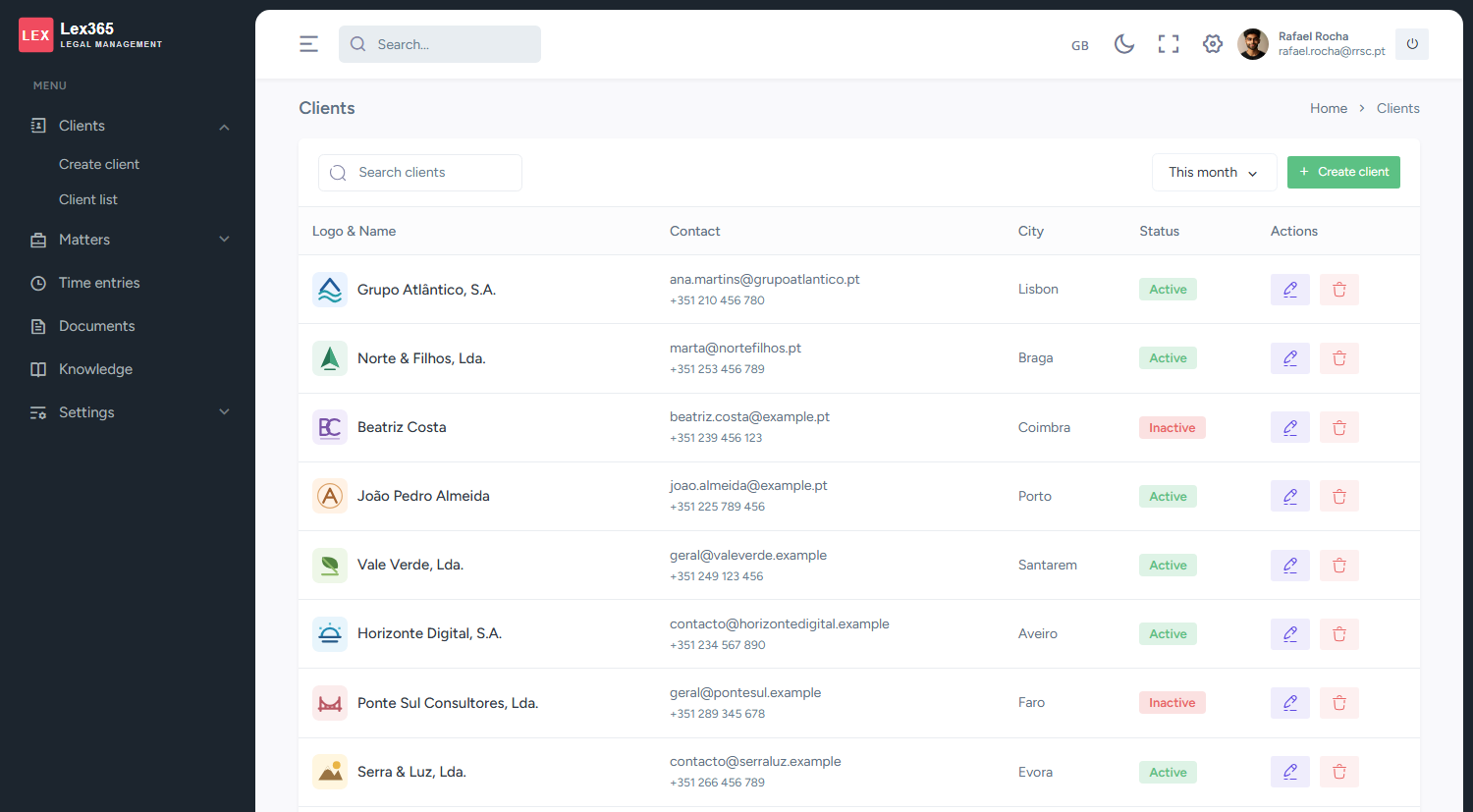
Client management
Centralise client information and view linked matters and documents.
Matter management
Organise each case or engagement by client, with notes, documents and time entries in the same matter file.
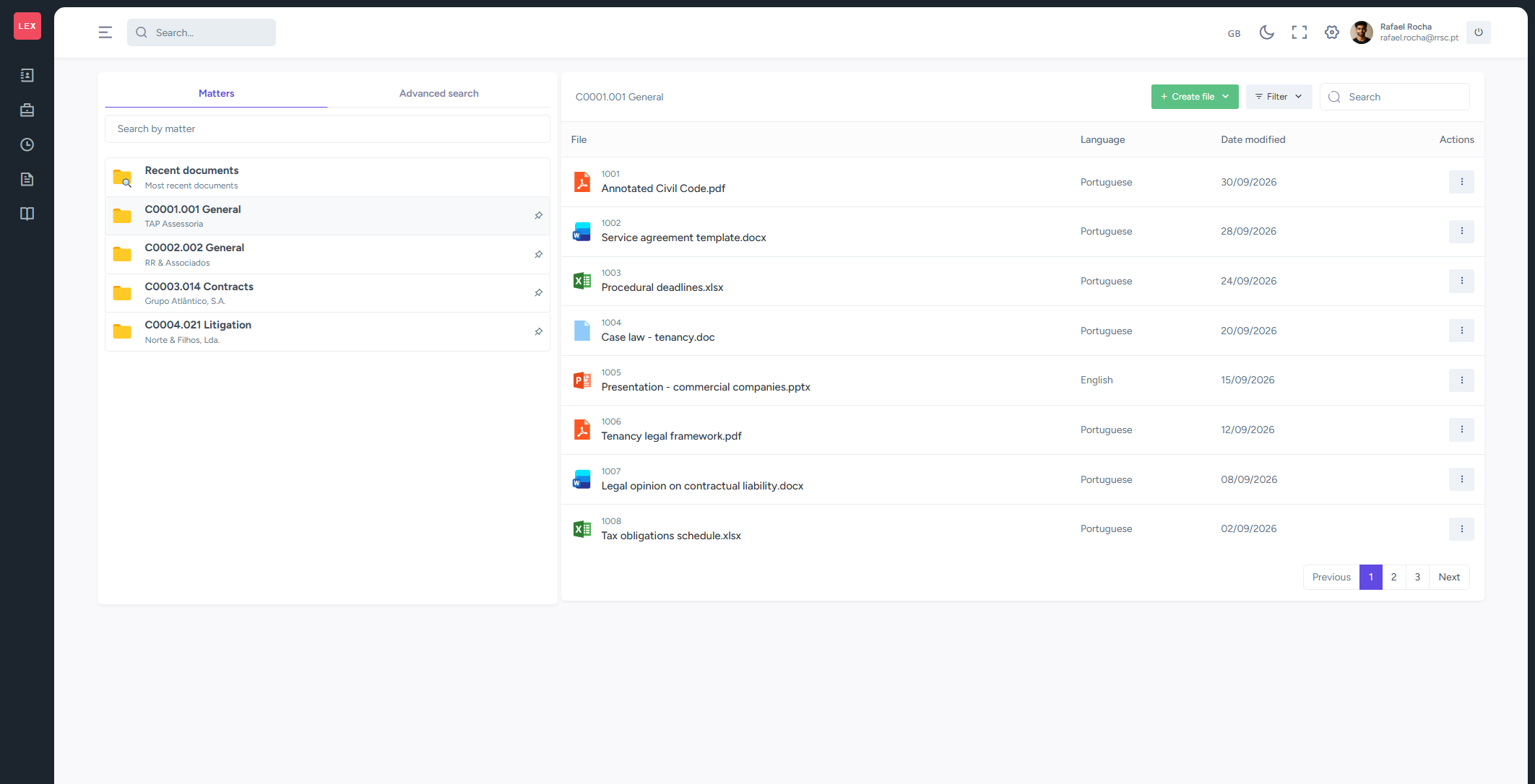
Document management
Upload and organise files in folders, and find documents using filters and saved searches.
Knowledge Management (KM)
Bring templates, draft documents and internal materials together in a library organised by folders and classifications.
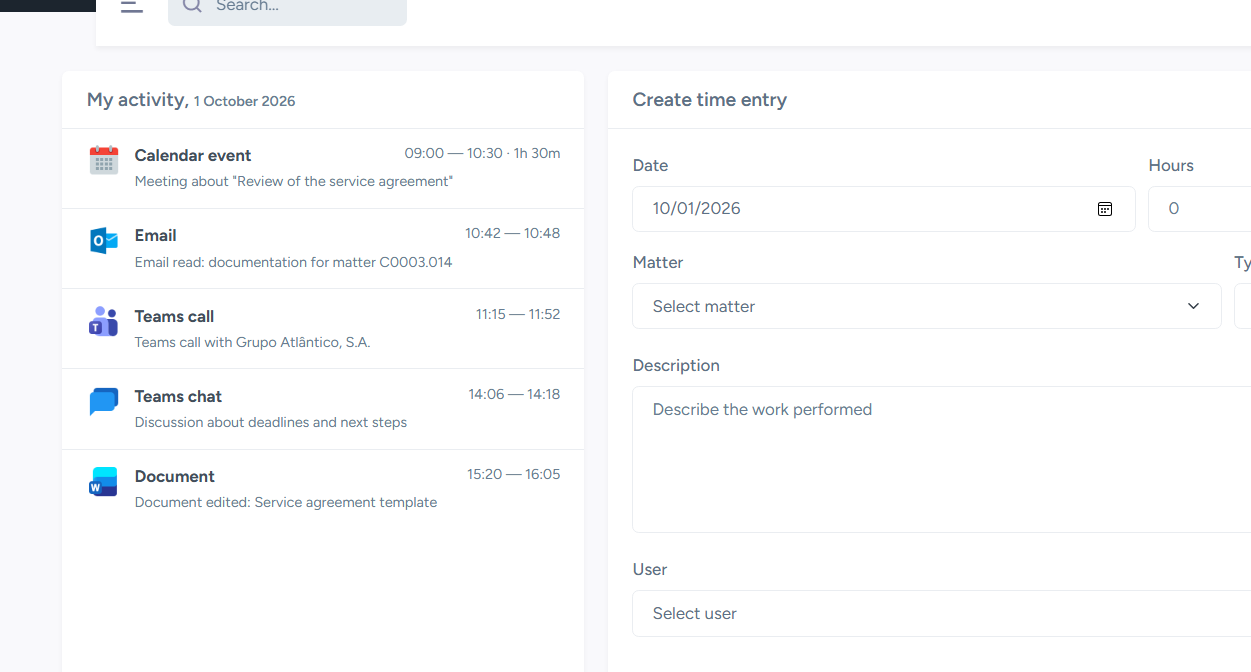
Time Management
Record work by matter and review time entries by day, client or matter.
Deadline management
Record and assign deadlines to lawyers, and follow dates in a monthly calendar.
Client and Matter Management
Lex365 centralises client and matter management and provides a complete view of each matter, from client details to linked documents and time entries. Create clients directly in the platform. Already have a database? Integrate it without duplicating records.
Explore clients and mattersKey Features
Document and knowledge management
Lex365 is built on SharePoint, a powerful document management tool. We have adapted its structure to the needs of law firms: documents organised by client and matter, advanced search and a dedicated knowledge library for templates and draft documents.
Explore documents and knowledgeKey Features
Time and deadline management
Lex365 tracks lawyers' Microsoft 365 activity throughout the day and presents it to support more complete time recording. It also lets you follow deadlines and integrate them into lawyers' calendars to help manage important dates.
Explore time and deadlinesKey Features
AI integrated with ChatGPT, Claude and Copilot
With Lex365 connected to an AI assistant such as ChatGPT, you can ask about clients, matters, documents, knowledge, time entries and deadlines in natural language, on your computer or phone. If your assistant supports it, you can also ask questions by voice. You can request records to be created or updated, subject to the available access permissions.
Key Features
Example questions
“What deadlines do I have this week?”
“Show me this client's matters.”
“Record a work entry for this matter.”
Answers and operations depend on configured access and should be reviewed by the professional.
Frequently asked questions
Answers to common questions about using Lex365 and its technical integration.