Record with context
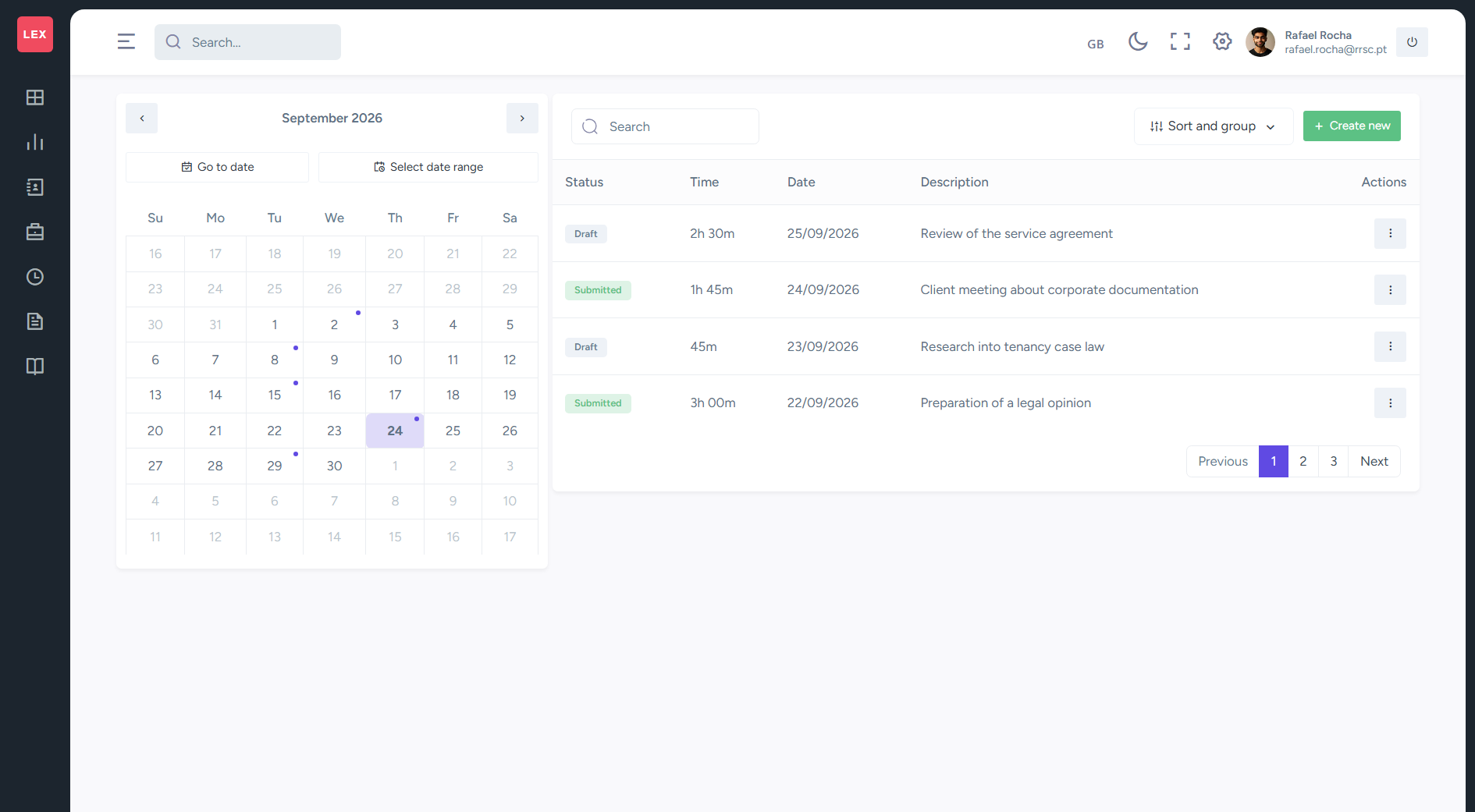
Link each work entry to a matter and a team member.
Time and deadline management
Record completed work, follow important dates and organise your day with your firm's information.
Link each work entry to a matter and a team member.
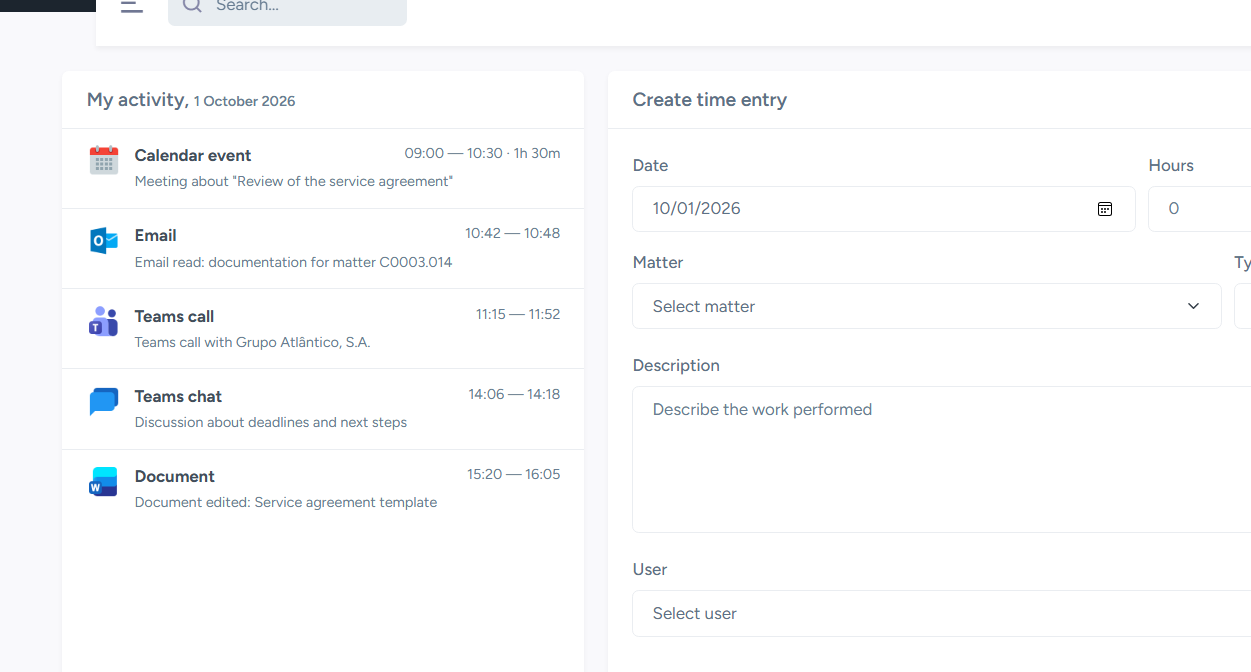
Review Microsoft 365 activity to help record your work.
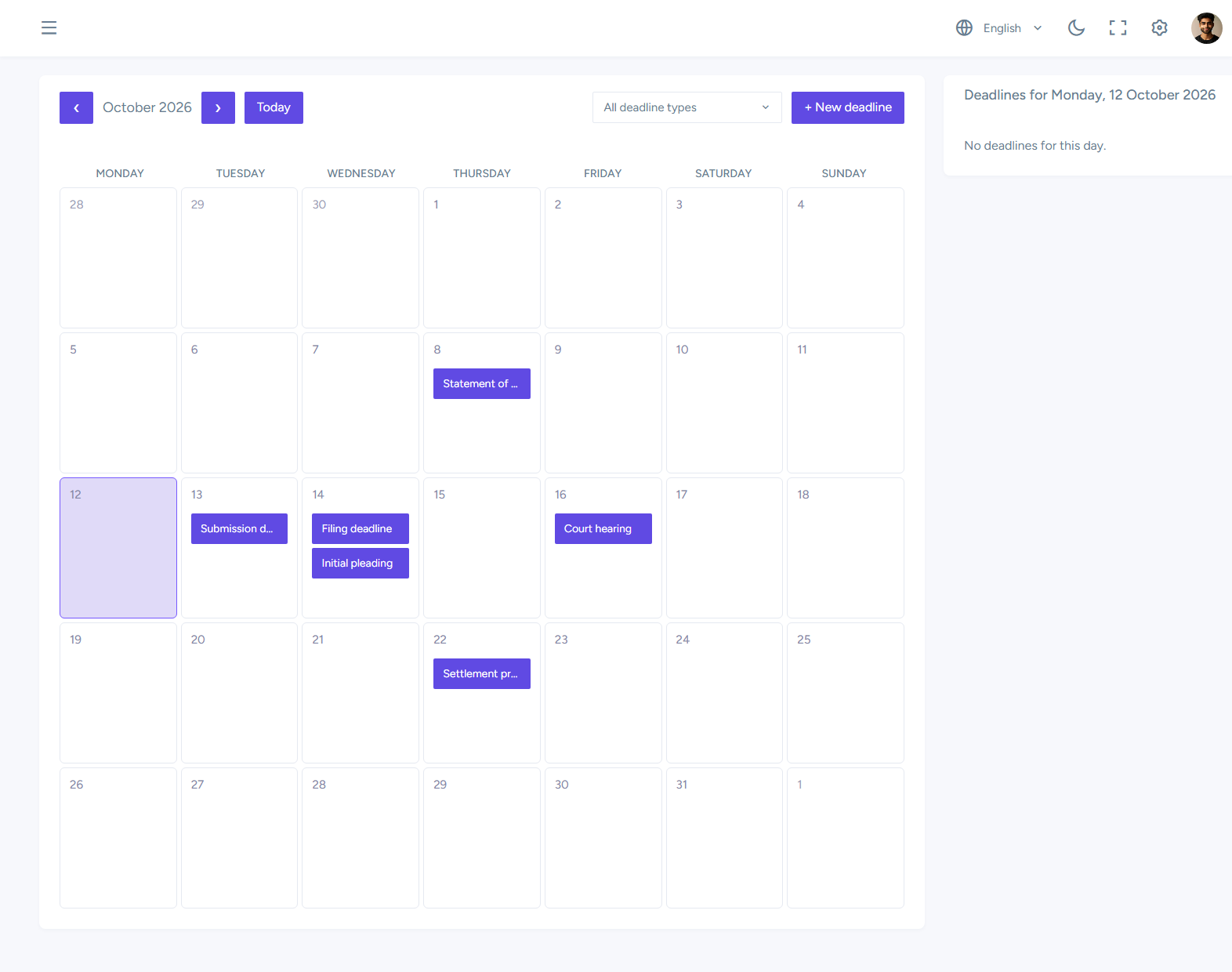
View deadlines in the calendar and see those assigned to you.
Time management
Emails, modified documents, calendar events and Teams activity help you recall the work you have done.
Deadline management
Bring deadlines together in a calendar and link each date to a matter and the responsible lawyers.
On your personal dashboard, view the day's time entries, calendar appointments, document activity and upcoming deadlines.
Activity capture depends on authorised Microsoft 365 integrations. Users enter descriptions and durations; deadline tracking follows the dates entered in Lex365.